

Rewards Program FAQ
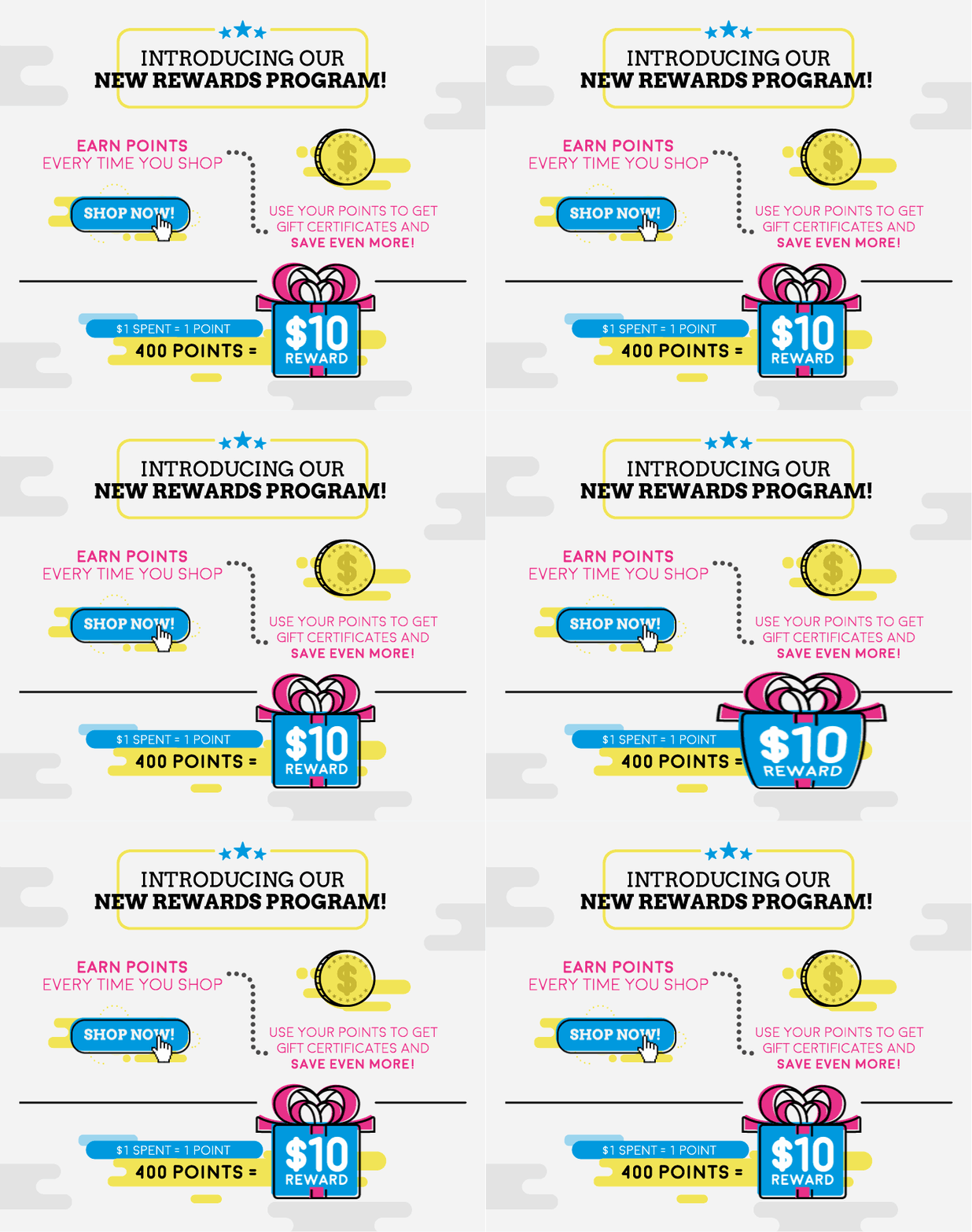
Now you can earn points for being social by joining our InkjetSuperstore Rewards Program. It is very easy to enroll, earn and redeem points accumulated for special E-Certificates that will help you save.
You can enroll using the button above or just simply tweet a product, or comment on Facebook and you’ll automatically be part of the program. There are many ways to earn points, such as:
Online purchasing (1 point for each dollar spent), Send an Email to a Friend, Follow us on Twitter, Like us on Facebook, Share on Facebook, Refer a friend that purchases, Write a product review, Answer questions, Ask a Product Question, and Send a Tweet.
Get with the Program, Join Now!
Even though being rewarded is simple and easy questions always arise. We put the most frequently asked questions and answers in one place to get help fast.
What is InkjetSuperstore Rewards Program?
Our loyalty program allows you to earn points for sharing, purchasing online, reviewing and much more. The points can be redeemed for specific discount E-Certificates you can use to purchase at InkjetSuperstore.com.
How do I enroll?
To enroll click on the Enroll Now! Button found if you scroll up. Also if you share on Facebook or Twitter you enroll automatically.
How do I earn points & how many points per activity do I get?
You can earn reward points in different ways. Each time you place an online order you accumulate points. You get 1 point for each dollar spent on our website (only online purchases apply). You also earn points for being social. There are many ways to earn, check them out:
| For each dollar spent |
1 point |
| Send an Email to a Friend |
10 points |
| Follow us on Twitter |
15 points |
| Like us on Facebook |
15 points |
| Share on Facebook |
10 points |
| Refer a friend that purchases |
200 points |
| Write a product review |
50 points |
| Answer Questions |
15 points |
| Ask a Product Question |
15 points |
| Send a Tweet |
10 points |
Is there a limit to the points I can earn?
Taking into consideration that some tasks can only be done once you can earn points constantly, there are certain limitations on the number of points per month or per quarter.
| |
Total amount of points that can be earned |
| For each dollar spent |
1 point - no limited amount |
| Send an Email to a Friend |
60 points per month |
| Follow us on Twitter |
15 points only once |
| Like us on Facebook |
15 points only once |
| Share on Facebook |
20 points per month |
| Refer a friend that purchases |
600 points per quarter |
| Write a product review |
100 points per quarter |
| Answer Questions |
45 points per month |
| Ask a Product Question |
45 points per quarter |
| Send a Tweet |
60 points per month |
Every time I purchase I get points?
Yes you get 1 point per dollar spent on online purchases only. PO’s and purchases over the phone do not accumulate points.
Do my points expire?
There is no expiration date for points.
What rewards can I get with my points?
You can redeem for E- Certificates ranging from $5, $10, $25, $50 and $100.
I have rewards points! How do I redeem them?
Go to the Check Point Balance & Redeem button to login. All you need to do is choose the E-Certificate you want and click on it. You’ll automatically get your E-Certificate code and you can use it at checkout to get the total amount of the E-Certificate from your purchase. That means: if you redeem a $5 E-Certificate with the code you will deduct $5 off your total purchase price. The code has no limited amount of time to be used. It can only be used once. If you want to use it at a later date you’ll always find the code when you click on the Check Point Balance & Redeem button to login. Go to the Activity tab and there you’ll find information on all the activity you have done; an activity called Rewards will show on the date you redeemed and the code will always be available for you to see it.
Am I able to use InkjetSuperstore Rewards at checkout?
Yes, all of our rewards program E-Certificates can be used at InkjetSuperstore.com checkout for immediate cash discounts towards your purchase of any item at our store. If your purchase total is more than the E-Certificate, you pay the balance on your credit card or Paypal.
How can I view my InkjetSuperstore rewards balance?
To be able to see your point balance you need to click on the button CHECK POINT BALANCE & REDEEM under the title "ALREADY A MEMBER?".
How can I change my password?
To change your password you need to go to the tab called Settings and there you can reset your password.
If you don't remember your password at the time of login you can click on "Forgot your password?", write your email and then hit the button Reset my password. An email will be send to your email with a temporary password and then repeat the previously explained password change in Settings.
Can I earn points if I’m not logged in into the member page?
Yes! The member application enables you to track and redeem points, but you don't have to log in to the page in order to earn points.
What happens if I don’t redeem the E-Certificate, are my points deducted anyways?
Correct, upon redemption points are deducted from your balance.
Is there a place where I can report a problem or make suggestions?
You can contact our Customer Service department and they will be able to help you.